You share, and it speaks.
Yappy has a single gesture: sharing. Everything else is detail that is already in place.
Share it
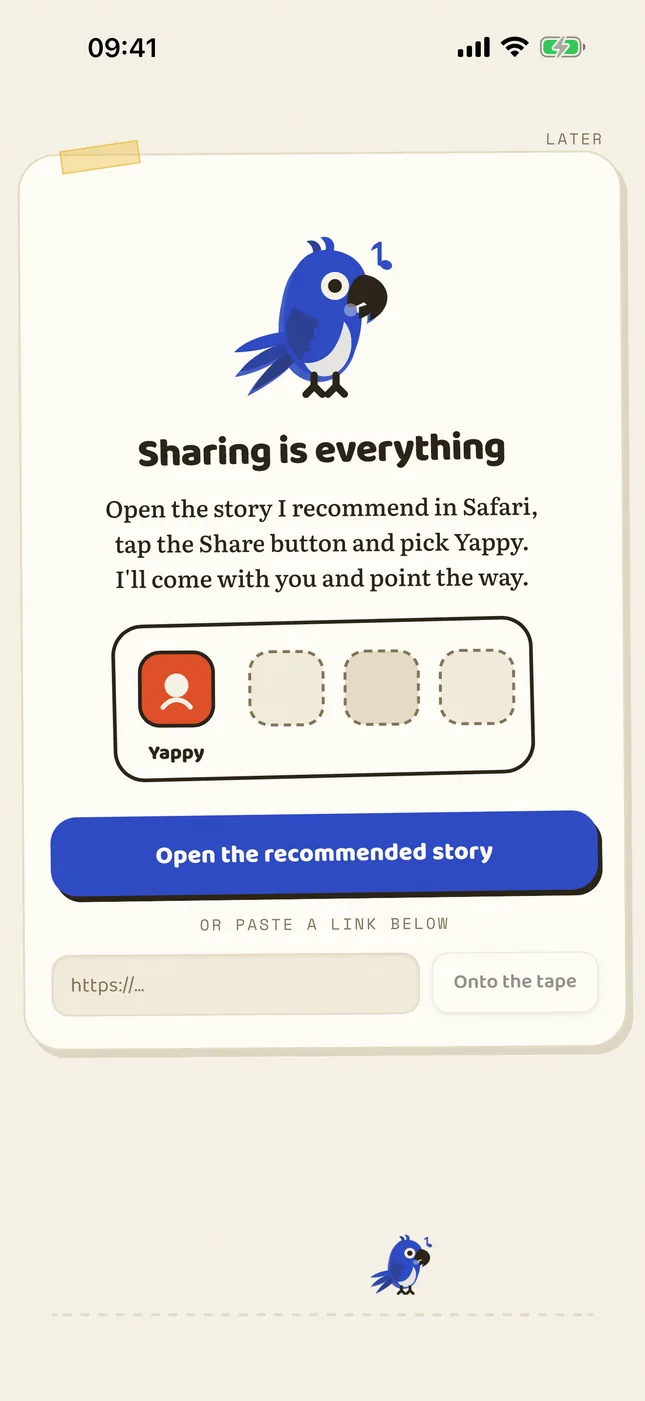
From any app: Safari, Mail, Files, a voice note, the PDF someone just sent you in a chat. Tap Share, choose Yappy, and the app opens by itself.
Pick a voice
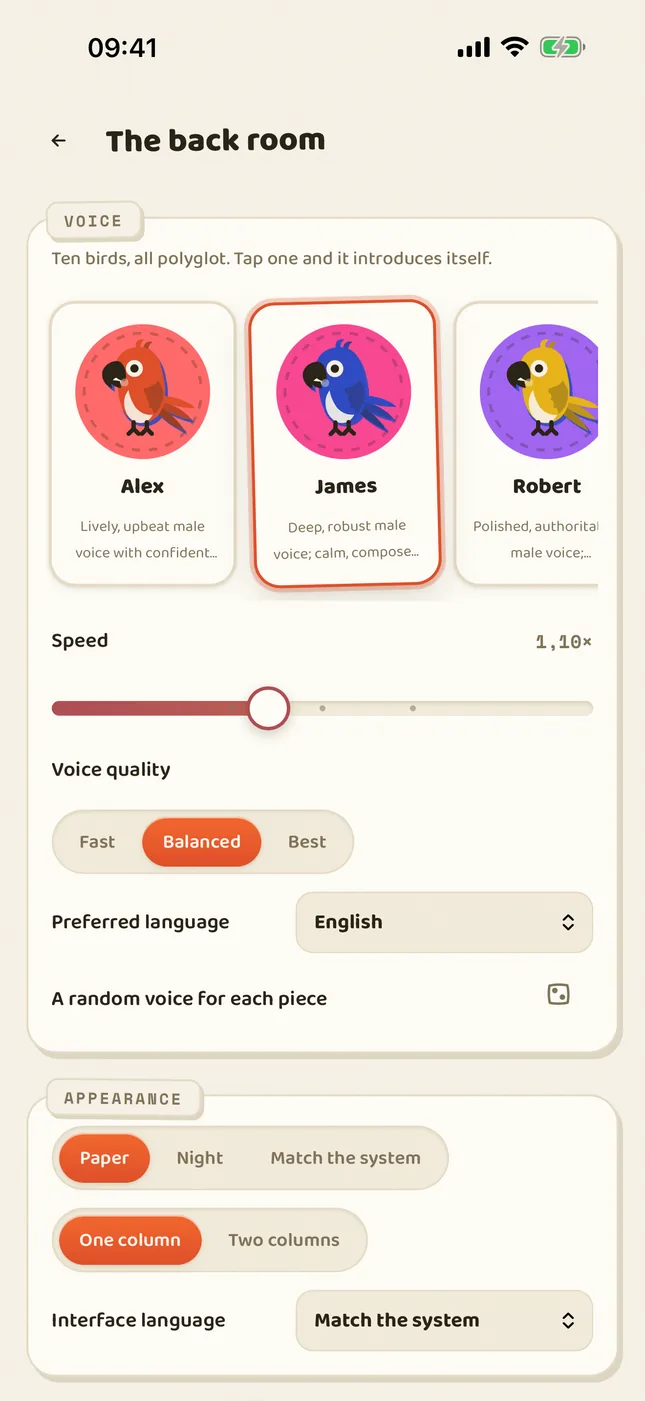
Ten voices, every one of them polyglot. If the text is in another language, Yappy recognises it and reads it by that language's rules, not with a borrowed accent.
Listen
Lock the screen and pocket the phone. The voice carries on: cover, title and controls on the lock screen, and your headphones are in charge.
Keep it
If you want it for tomorrow's walk, the press turns it into an .m4b audiobook with chapters that opens in any player.
On iPhone and iPad
Sharing is the whole manual. From any app you tap Share and pick Yappy: it takes links, loose text, PDF, EPUB, Word, ODT and audio. Yappy opens by itself, instantly. Nothing simmers inside the share sheet, because iOS cuts extensions off at 120 MB; Yappy copies what you shared and jumps to the app, where there is no ceiling. The jump is the design, not a workaround. Everything happens on the device: the only network Yappy touches is the visit to the address you shared, made from your own phone.
- The queue gets it ready while you watch: articles are cleaned, videos bring their transcript, PDFs get paginated. If you stay in the app, playback starts on its own the moment it is ready.
- The karaoke lights up what is being said, sentence by sentence. Tap anywhere to pause, swipe to skip a paragraph, slide along the edge to change the speed.
- Lock the screen and the voice carries on. AirPods pause and resume; the system treats it like any other player.
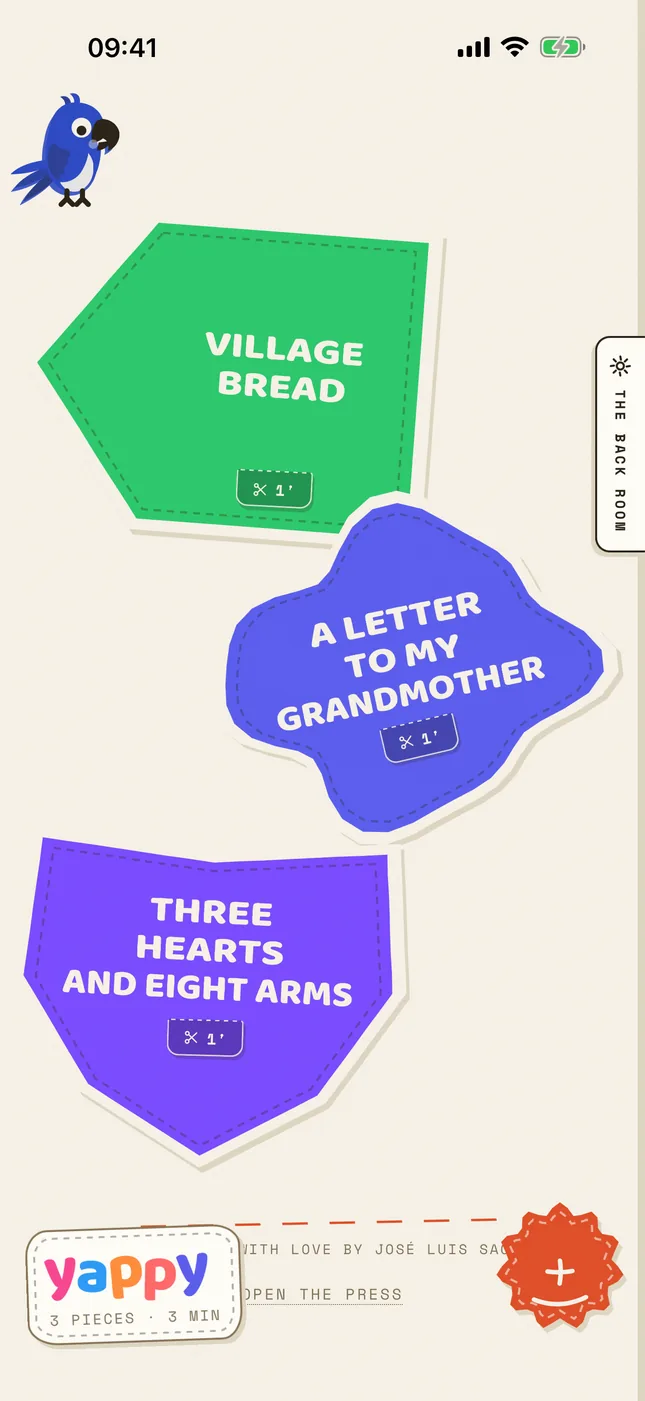
- The perch holds three documents at a time: take one off and another fits. The house stories take up no room at all.
On Mac, Windows and Linux
One shortcut, and whatever you are looking at speaks: the selection, the browser page or the active document. All three shortcuts can be changed in Preferences and work with the app tucked away in the tray. Beyond the shortcut, the desktop holds what does not fit in one hand.
- The library. Everything you open or share stays on the home screen with its progress. You resume at the exact paragraph.
- The paragraph editor. Each paragraph can carry its own voice, speed and pause. For dialogue, quotations, or documents in two languages.
- Local transcription. Drop in a voice note or a recording and the local ear turns it into readable text, uploading nothing anywhere.
- Audiobook export. Any document comes out as a real .m4b with navigable chapters taken from the script. Also as .wav or .mp3.
- PDFs with eyes. Scanned PDFs go through a local OCR before being read. Born-digital ones read straight through, page by page.
- Themes. Cream paper by day, light ink on dark by night, or let the system decide.
- No wind-up key. On the desktop everything is unlocked: the press, the bottomless perch and the bridge come with it.
| Shortcut | macOS | Windows · Linux |
|---|---|---|
| Read what you're looking at | ⌥⌘R | Ctrl+Alt+R |
| Read the clipboard | ⌥⌘V | Ctrl+Alt+V |
| Pause | ⌥⌘Espacio | Ctrl+Alt+Espacio |
The bridge: your computer renders, your phone listens
A whole book takes a while to synthesise. The bridge hands the heavy lifting to your computer and returns the finished audiobook to your pocket, over a direct, end-to-end encrypted connection between your two devices, with nobody's server in between.
- On the computer: Preferences, “The bridge”. Yappy shows a QR code holding your machine's encrypted address and an invitation key.
- Point the iPhone camera at the QR and they are paired. The key is stored, and you can revoke it from the computer whenever you like.
- On the phone: “Convert on the computer”. Pick the document, the computer synthesises it at its own pace, and the .m4b lands in the phone's library with its chapters. The night works for tomorrow's walk.
- The bridge is encrypted over QUIC, using iroh's protocol. If a relay is needed for the two devices to find each other, that relay only ever sees encrypted traffic it cannot read.
Audiobooks: .m4b with real chapters
Yappy does not export “one long audio file”: it exports .m4b audiobooks like the ones from the stores, with chapters taken from the document's actual headings, cover art and resume support. Listen inside Yappy, with its library and its progress, or in any audiobook player you already use. And the reading script gives them their breathing: a pause after headings, a list's own cadence in lists.
- On the phone you order them from the library, chapter by chapter: you choose which ones to print and in which voice.
- The parrot keeps printing even if you close the app or lock the phone.
- From the library you share it to Files, to Books, or wherever you like: the file is yours.
- The press is part of Yappy Parlanchín on iPhone and iPad. On the computer it comes unlocked.
Siri, Shortcuts and the Action button
“Hey Siri, read my clipboard with Yappy.” The app exposes real App Intents: they show up on their own in the Shortcuts app, answer to Siri, and can hang off the iPhone's Action button. There is nothing to set up.
- Read my clipboard. Copy anywhere, ask Siri, and it speaks.
- Resume reading. Picks up the last thing that was playing, right where it was.
- Listen to a link. Takes a URL as a parameter: the perfect ending for your own shortcuts.
- For hand-rolled automations, the
yappy://scheme is handled too:yappy://action/read-clipboard,yappy://action/resume,yappy://action/open,yappy://library?path=…andyappy://pair?d=…. - And there is a home-screen widget with the last thing that played, ready to resume with one tap.
Settings: few dials, all of them real
Yappy has no panel with a hundred switches. It has the handful that actually change how it sounds.
- The voice. Ten voices, all polyglot: the same voice reads Spanish, English or Japanese without changing its timbre.
- The speed. From 0.5× to 2×. The voice is generated at that speed, not sped up afterwards: the pitch never warps.
- The pauses. How long it breathes between paragraphs. Headings and lists already bring their rhythm from the reading script.
- The language. Detected automatically per document and per paragraph, or set by hand. Quotes in another language switch on their own.
- Anonymous statistics. On the phone they come switched on, and this is where you switch them off. Exactly what is sent is listed, item by item, in the privacy policy.
On Android
The same gesture: share a link, a text or a document and it lands in the same queue, with article extraction, karaoke and voice, all inside the phone itself. The Android build is the youngest of the family and still lacks three things the iPhone has: lock-screen controls, videos and the .m4b audiobook player. And there is something more important: it is not published yet. The Google developer account is still being verified, and we are not giving a date, because we do not have one. When it ships it will be announced here and in the repository. One thing is certain, though: on Android there will be no wind-up key. Everything is unlocked.