Articles
Listen to what you were going to read later.
That tab you leave open for later. Share it with Yappy and listen to it while you do the dishes. The page cleans itself up: menus, banners and footers gone. What is left is the prose, with its headings and its rhythm.
In three steps.
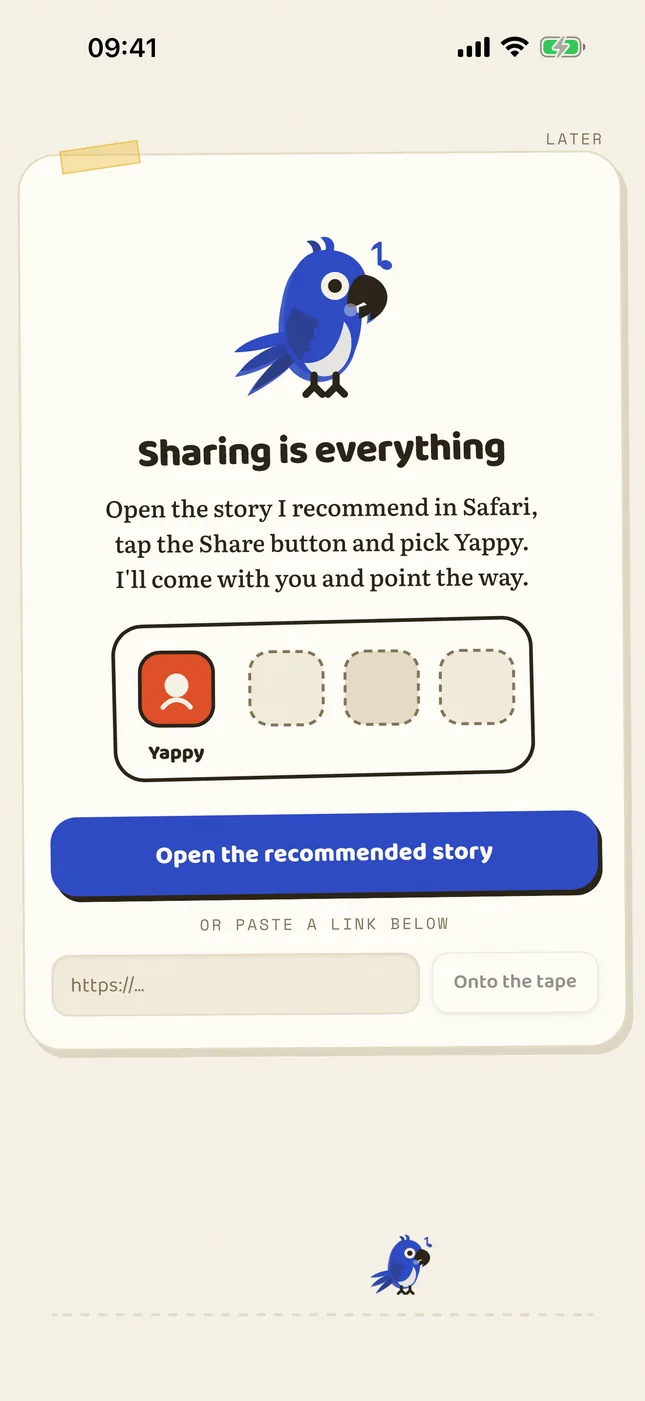
1 Tap Share In Safari, in your news reader, in Mail: wherever there is a share sheet, there is Yappy.
2 It cleans itself Extraction happens on your device. If you subscribe to a paper, it takes the article you can see.
3 It joins the queue And waits there until your hands are free.
Articles
What touches the network
Only the visit to the address you shared, made by your own device, exactly as your browser would. There is no Yappy server in between, because no Yappy server exists.
Questions about this
Does it work with outlets I subscribe to?
Extraction is done by your own device, with your session, so it gets the article you can see in your browser. If you can read it, Yappy can read it to you. There is no middleman server that would have to get past the paywall, because there is no server.
What about pages that only load with JavaScript?
Some of them resist: if the text only appears after the page runs half a library, Yappy can come back empty-handed. In those cases the quickest route is to select the text, copy it and share it as plain text.
Does it keep a history of what I read?
Only on your device, so you can pick up where you left off. None of it travels anywhere, and every document has its forget option in the library.
Does it read the menus, banners and comments?
No. The page is cleaned before it reaches the reader: menus, banners, footers, share buttons and comment boxes all go. What is left is the prose, with its headings and its rhythm.